

Summary
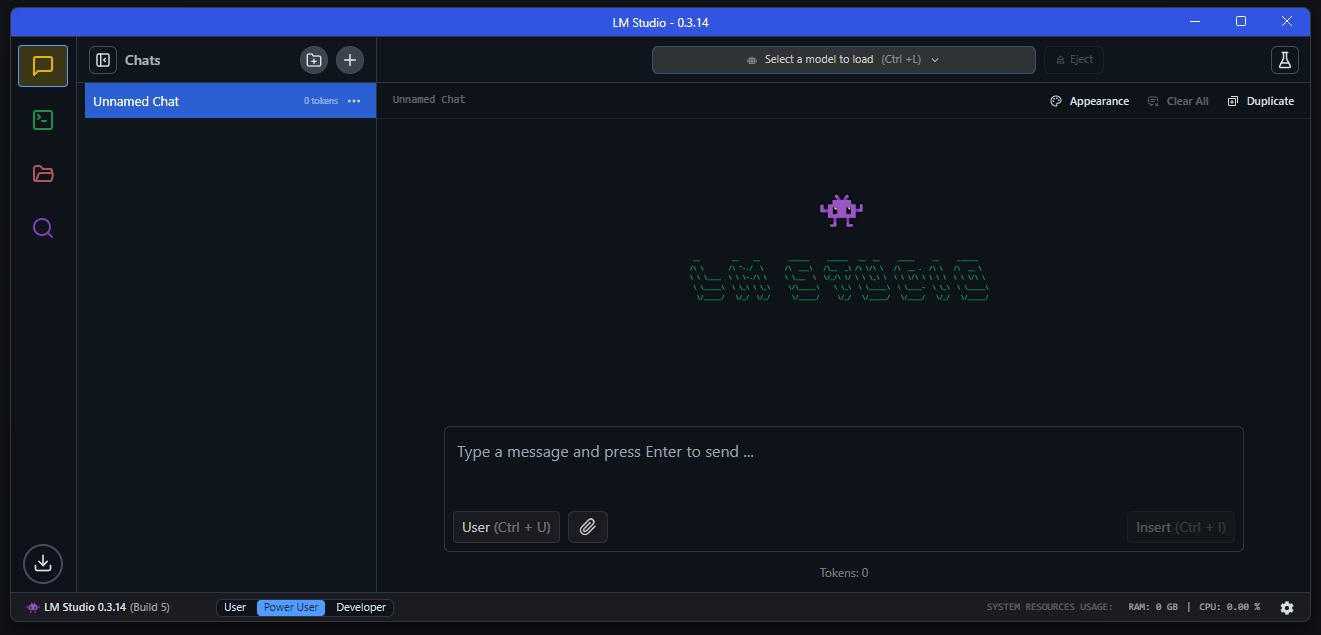
Local AI has evolved significantly over the past few years, and so have the applications that make it easy to run large language models (LLMs) directly on your computer. While many users begin their journey with LM Studio, it isn’t the only solution available.
As I explored more local AI tools, I realized that each platform is designed for a different type of user. Some cater to advanced users who want greater control, others prioritize speed and efficiency, while several are built to integrate seamlessly into broader AI workflows.
Ollama
The Go-To Choice for Running Local Models with Ease
Whenever someone asks me for an alternative to LM Studio, Ollama is always my first recommendation. It’s one of the most widely used platforms for running local AI models, and it’s easy to understand why. Installing a model typically requires just a single command, while updating or switching between models is equally simple.
One of Ollama’s biggest strengths is its excellent integration with other tools. I’ve connected it to Open WebUI, Logseq, and several self-hosted applications with very little effort. If your goal is to build a complete local AI workflow rather than simply chat with a model, Ollama provides the flexibility needed to do so. It’s an outstanding foundation for anyone looking to run local LLMs reliably.
Msty AI
Managing Local and Cloud AI from One Interface
What impressed me most about Msty AI is that it extends beyond running local models. Rather than focusing exclusively on Ollama or LM Studio, it allows me to access both local models and cloud-based AI services through a single interface.
Switching between providers is seamless, eliminating the need to constantly move between different applications and making my workflow much more efficient. The interface is polished, intuitive, and beginner-friendly, so getting started required very little learning.
Another standout feature is its built-in knowledge base support, which enables conversations with my own documents without any additional configuration. This makes it especially useful for researching articles, reviewing documentation, or summarizing PDF files.
Although I still rely on specialized tools for certain tasks, Msty AI remains one of the easiest platforms I’ve used for managing multiple AI models in one place. If you frequently work with both local and cloud AI, it’s definitely an LM Studio alternative worth considering.
TurboLLM
Optimized for Maximum Hardware Performance
TurboLLM immediately caught my attention because it is designed with performance as its primary focus. While LM Studio emphasizes ease of use, TurboLLM gives me greater control over how local models utilize my hardware.
I found that it makes efficient use of available system resources, which can improve response times on supported systems. Although the interface remains straightforward and easy to navigate, it also exposes additional settings for users who enjoy fine-tuning their experience.
I wouldn’t recommend it as the first choice for someone completely new to local AI. However, after becoming more familiar with running local models, I appreciated having access to those extra controls.
If you enjoy optimizing settings to maximize performance, TurboLLM is well worth exploring. It’s an excellent alternative to LM Studio for users seeking more control over their local AI environment.
Jan AI
The Closest Experience to a ChatGPT Desktop App
One of the aspects I appreciated most about Jan AI is how closely it resembles a polished desktop AI application rather than a tool built primarily for developers.
The interface is clean, conversations are neatly organized, and getting started with local models requires very little effort. I also value its ability to connect with multiple model providers, meaning I’m not restricted to running models solely on my own computer. Switching between a local model and an API-based model can be done without ever leaving the application.
Another major advantage is that Jan AI is open source, allowing it to improve continuously through community contributions.
Although it doesn’t have an ecosystem as extensive as Ollama’s, I found it to be one of the most user-friendly alternatives to LM Studio. If you’re looking for a familiar ChatGPT-style experience combined with the flexibility to use both local and remote models, Jan AI is definitely worth trying.
KoboldCPP
One of the Simplest Ways to Run GGUF Models
The first thing that impressed me about KoboldCPP was how little setup it requires before you can start running a local model. Unlike some alternatives that require installing multiple components, I was able to download a single executable, load a GGUF model, and begin chatting within just a few minutes.
This makes it an excellent option for anyone looking for a lightweight solution without spending time on configuration. It also includes a built-in web interface, eliminating the need for a separate frontend to interact with local models.
Although KoboldCPP originally gained popularity among AI storytelling enthusiasts, I found it equally effective for general conversations, brainstorming ideas, and testing models.
It also provides access to useful performance settings without making the interface feel overly complex. If your priority is running GGUF models as quickly as possible with minimal setup, KoboldCPP is certainly an LM Studio alternative worth exploring.
Choosing the Right LM Studio Alternative for Your Workflow
LM Studio remains one of the easiest ways to begin using local AI, but it’s far from the only option available.
As you gain more experience running local models, you’ll likely find that different applications excel in different areas. Some focus on simplicity, others emphasize flexibility, while several offer greater control over performance and integrations.
That’s exactly why it’s worth experimenting with multiple tools instead of sticking with the first application you install. Since most of these platforms are free to use, you can explore different options and build a local AI workflow that best matches your needs.