

Summary
Microsoft’s Recall feature may be one of its boldest innovations yet, but it’s also becoming one of the most controversial.
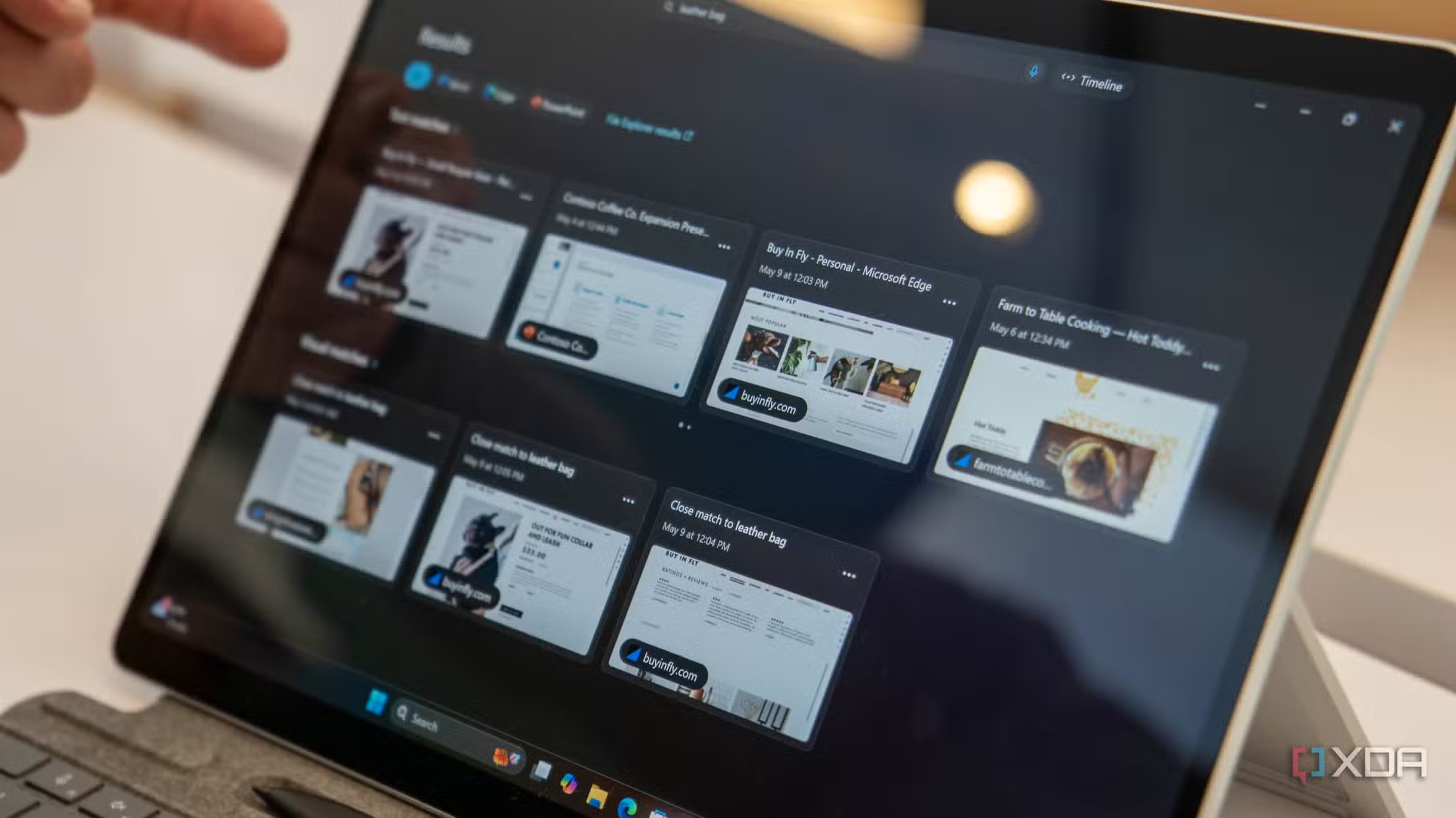
First introduced at Build 2024, Recall is designed to capture automatic screen snapshots every few seconds, allowing users to “recall” what they were doing at any given time using Copilot.
The idea behind Recall seems helpful in theory — imagine instantly retrieving a lost YouTube video or forgotten document with a simple search.
However, its implementation has sparked significant backlash over privacy issues.
Now, another major player in the digital privacy space is pushing back.
AdGuard Disables Recall by Default Over Privacy Risks
In a recent blog post, privacy-focused software company AdGuard announced that its latest update disables Windows 11’s Recall feature by default.
The company described Recall as a “privacy concern,” citing discomfort with the idea of continuous screen captures running silently in the background.
AdGuard acknowledged Microsoft’s attempts to improve the feature — including making Recall opt-in, requiring Windows Hello authentication, and using filters to exclude sensitive content.
However, the company stated that these measures are still insufficient.
“The very idea of background screen captures is unsettling,” AdGuard said. “It can capture something personal you didn’t want saved, and that’s a risk we can’t overlook.”
To address this, AdGuard has added a dedicated toggle in its Tracking Protection settings.
Once users enable tracking protection, the Disable Windows Recall option will also be activated automatically.
Brave and Signal Also Push Back on Recall
AdGuard isn’t alone in its decision.
Earlier, Brave Browser updated its settings to block Recall from accessing current browser windows by default. Signal, the secure messaging platform, also launched a Screen Security feature back in May.
Enabled by default, the feature blocks Recall from capturing Signal chat content on Windows 11.
These moves underscore growing resistance to what many see as Microsoft’s overreach in data collection, even as the company claims to have made Recall more secure in its latest version.
Users Still Have a Choice — For Now
Despite AdGuard’s decision to block Recall by default, users can manually re-enable the feature if they choose.
To do so, head to Settings > Tracking Protection within AdGuard and uncheck Disable Windows Recall.
Still, the broader message from privacy-focused developers is clear: the industry is wary of background features that could compromise personal data — even if the tech giant behind them says otherwise.
As user awareness of data privacy continues to rise, Microsoft may face further challenges in gaining public trust for Recall and similar AI-driven features in future Windows releases.