

Summary
For nearly a decade, I’ve spent more money than I’d like to admit on USB flash drives. I always wanted the latest models with the fastest speeds, and when OTG drives with dual connectors arrived, they became an essential part of my workflow. But times have changed.
Today, USB-C has become the standard across PCs, laptops, and mobile devices. As a result, I find myself reaching for my collection of flash drives far less often, whether it’s for backing up important documents, transferring files between devices, or carrying data on the go.
At the same time, file sizes have grown dramatically. I now need faster storage with much higher capacities every day. While I still appreciate the portability of flash drives, I’ve become increasingly frustrated by their limited storage and inability to maintain high read and write speeds without overheating.
Eventually, I discovered a solution that combines the strengths of both worlds: a compact 2230 form-factor M.2 NVMe SSD inside a small external enclosure.
Instead of keeping a drawer full of different USB drives, I’m now replacing them all with a single portable SSD that offers significantly better performance, larger capacity, and greater versatility.
Better Cooling Means Consistent Performance
No More Thermal Throttling
One of the biggest frustrations with high-speed USB flash drives has always been thermal throttling.
During large file transfers, these tiny drives heat up remarkably quickly. Once temperatures rise beyond a certain point, the controller deliberately reduces read and write speeds to protect both the hardware and the flash memory from damage.
The result is similar to CPU or GPU thermal throttling: transfer speeds start strong but slow dramatically only moments into the process.
Most flash drives simply aren’t designed with effective cooling in mind. Their plastic or metal housings rarely include proper thermal interface materials capable of dissipating heat efficiently.
Although 2230 SSDs rely on similar NAND flash memory, their external enclosures make a significant difference.
Many enclosures include ventilation, aluminum bodies, thermal pads, cooling fans, or a combination of these features to keep temperatures under control throughout extended workloads.
In real-world use, the difference is immediately noticeable.
Instead of watching transfer speeds collapse halfway through backing up a large video file, I now enjoy consistently fast performance from beginning to end.
I also suspect these enclosures more closely replicate the cooling conditions SSDs experience inside laptops and desktop computers, where airflow helps maintain optimal operating temperatures.
That likely contributes not only to better sustained performance but also to improved long-term reliability.
More Storage in a Single Device
One Drive Does Everything
Storage capacity has always been one of the biggest compromises with traditional flash drives.
Although high-capacity USB drives exist, they often cost significantly more while still suffering from the same performance limitations as smaller models.
My collection ranged from tiny 4GB drives all the way up to 256GB models that I carried for backups.
Over time, I realized managing multiple drives created more inconvenience than value.
Aside from a few bootable USB drives I keep around for Windows recovery whenever a BSOD appears, I’ve either discarded the rest or passed them on to family members.
Their replacement is surprisingly simple.
A single M.2 SSD inside a compact Satechi enclosure now handles everything.
Even entry-level SSDs typically begin at 128GB, and those lower-capacity models are often discounted enough to cost less than comparable USB flash drives—even after adding the price of a quality enclosure.
Personally, I invested in a 1TB SSD so I could consolidate all my files onto one high-performance portable drive.
Now I never have to remember which flash drive contains which files—everything lives in one place.
The additional storage has also expanded what I can comfortably carry.
My pocket now holds 4K movies, presentations, and complete backups of my camera’s memory cards.
I’ll admit that losing this one drive would be more stressful than losing an individual USB stick, but I’m no less careful with it.
Adding an AirTag or MotoTag is something I’m seriously considering for extra peace of mind.
Replace Only What Breaks
The Drive, the Enclosure, or Even the Lanyard
After more than a decade of using USB flash drives, I’ve encountered plenty that either arrived defective or simply couldn’t survive everyday use.
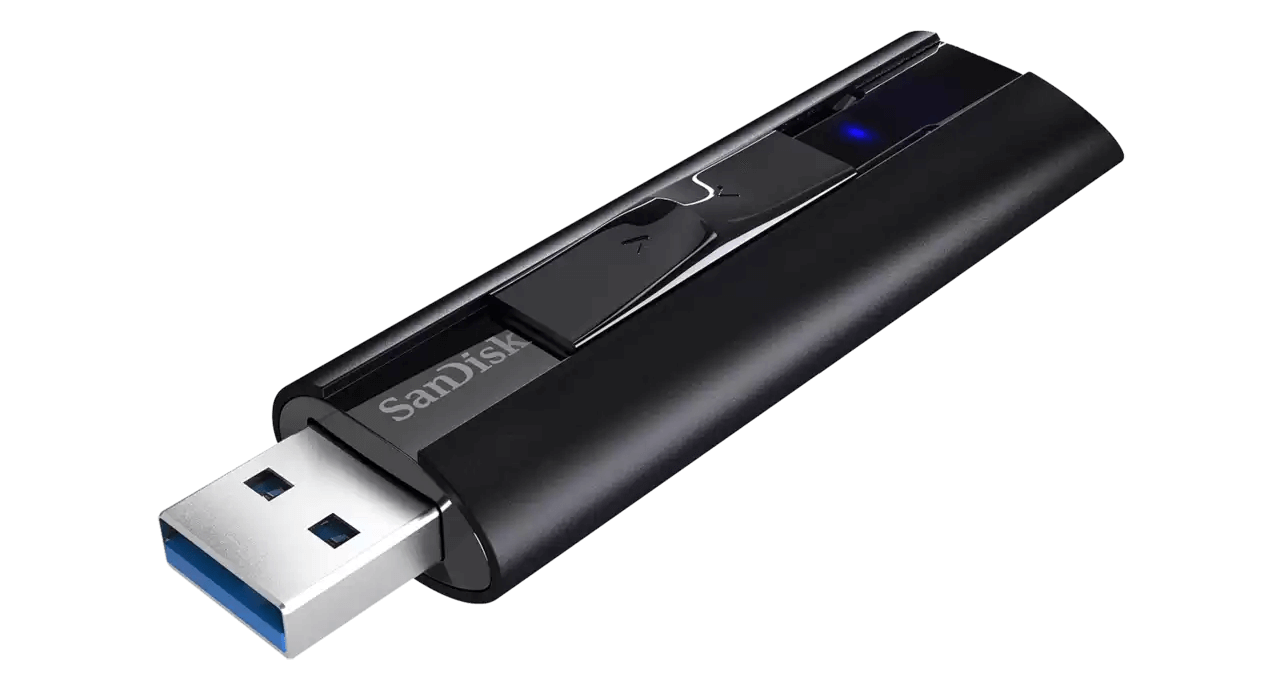
I still remember carrying an old SanDisk drive on my keychain back when my car lacked Bluetooth and Android Auto.
It was convenient, but after months of bouncing around with my keys, it looked more like a dog chew toy than a storage device.
Physical damage wasn’t my only problem.
I’ve also experienced failed memory sectors that made important files inaccessible unless I paid for expensive proprietary recovery services—which I chose not to do.
An external M.2 SSD setup completely changes that equation.
The storage itself is separated from the physical USB-C connector.
If the enclosure becomes damaged or the USB-C port fails, replacing the enclosure is easy and doesn’t put the stored data at risk.
Even if the SSD itself eventually develops bad sectors or experiences bit decay, replacing the drive is straightforward.
I simply install a new SSD into the same enclosure.
This modular design also opens another possibility.
If you prefer separating projects across different physical drives rather than folders, you can purchase multiple 2230 NVMe SSDs and swap them into a single enclosure whenever needed.
Granted, M.2 connectors are more delicate than USB-A ports and aren’t designed for constant removal and installation.
Still, occasional swapping is perfectly reasonable, provided the enclosure itself is easy to open and doesn’t require complicated tools.
Ultimately, this modularity provides both financial flexibility and peace of mind.
One accidental drop is no longer enough to permanently lose valuable files.
Better Hardware for the Money
SSDs Use Higher-Quality Flash Memory
USB thumb drives have always been convenient, but many of mine failed surprisingly quickly.
Sometimes I can’t help wondering whether they were simply never designed to last as long as SSDs.
Unlike thumb drives, SSDs are primarily intended for desktop and laptop computers, where short lifespans and planned obsolescence are far less acceptable.
To keep costs low, many pocket-sized flash drives use lower-grade NAND flash memory.
SSDs, on the other hand, place far greater emphasis on durability.
They generally support substantially higher read and write endurance while using sophisticated wear-leveling algorithms that distribute writes evenly across memory cells to extend overall lifespan.
Another advantage is the built-in protection systems found in most consumer M.2 SSDs.
These safeguards help prevent data corruption if the enclosure malfunctions or the SSD itself begins to deteriorate.
One of the most valuable features is S.M.A.R.T. (Self-Monitoring, Analysis, and Reporting Technology).
S.M.A.R.T. continuously monitors drive health and provides early warnings when failure becomes likely.
Rather than failing instantly, many SSDs first enter a write-protection mode that prevents additional data from being written while still allowing existing files to be copied elsewhere.
That gives users plenty of time to back up important information before replacing the drive.
This level of intelligence and reliability is something disposable flash drives rarely offer.
Dramatically Faster Transfer Speeds
Thunderbolt Makes External SSDs Feel Internal
Many modern USB flash drives advertise impressive “up to” performance figures.
Unfortunately, those numbers usually apply only to short bursts of activity.
During sustained workloads, performance often drops significantly—even when overheating isn’t the primary issue.
The difference becomes especially noticeable when trying to run software directly from a USB flash drive.
In my experience, applications often loaded slowly and felt sluggish during normal use.
A 2230 NVMe SSD inside a high-speed USB enclosure operates on an entirely different level.
Sustained read and write performance remains dramatically faster and far more consistent, with the USB connection itself usually becoming the limiting factor.
Thanks to USB-C becoming the standard, Thunderbolt ports can simultaneously deliver extremely high data transfer speeds while supporting display output.
Even when connected through USB 3.2 Gen 2, I experienced no issues launching applications directly from the external SSD.
Today, I can edit high-resolution video, run demanding portable software, and even boot a complete Windows To-Go environment directly from this pocket-sized drive.
The performance feels remarkably close to using an internal SSD.
That capability has fundamentally changed the way I work away from my primary desktop, allowing almost any computer to function as my own personalized workstation without any noticeable performance compromise.
It’s Worth Making the Switch
If you’re still relying on a collection of USB flash drives, I strongly recommend trying this setup for yourself.
You don’t have to replace everything immediately.
Start with an affordable 256GB 2230 M.2 NVMe SSD and a quality enclosure.
Use it in place of your most frequently used flash drive for a week.
The improvements in speed, reliability, and overall user experience become obvious almost immediately.
Those old thumb drives were probably headed for retirement anyway.
Even now, I’m still amazed by how such a tiny device can hold an entire terabyte of storage in the palm of my hand.
One compact SSD has effectively replaced an entire drawer full of storage devices.
Whether this proves to be the most cost-effective solution in the long run remains to be seen.
For now, though, every time I pull this little SSD out of my pocket, I’m reminded how much simpler—and better—portable storage has become.